Password Remember: a user-friendly password manager that remembers what you forget
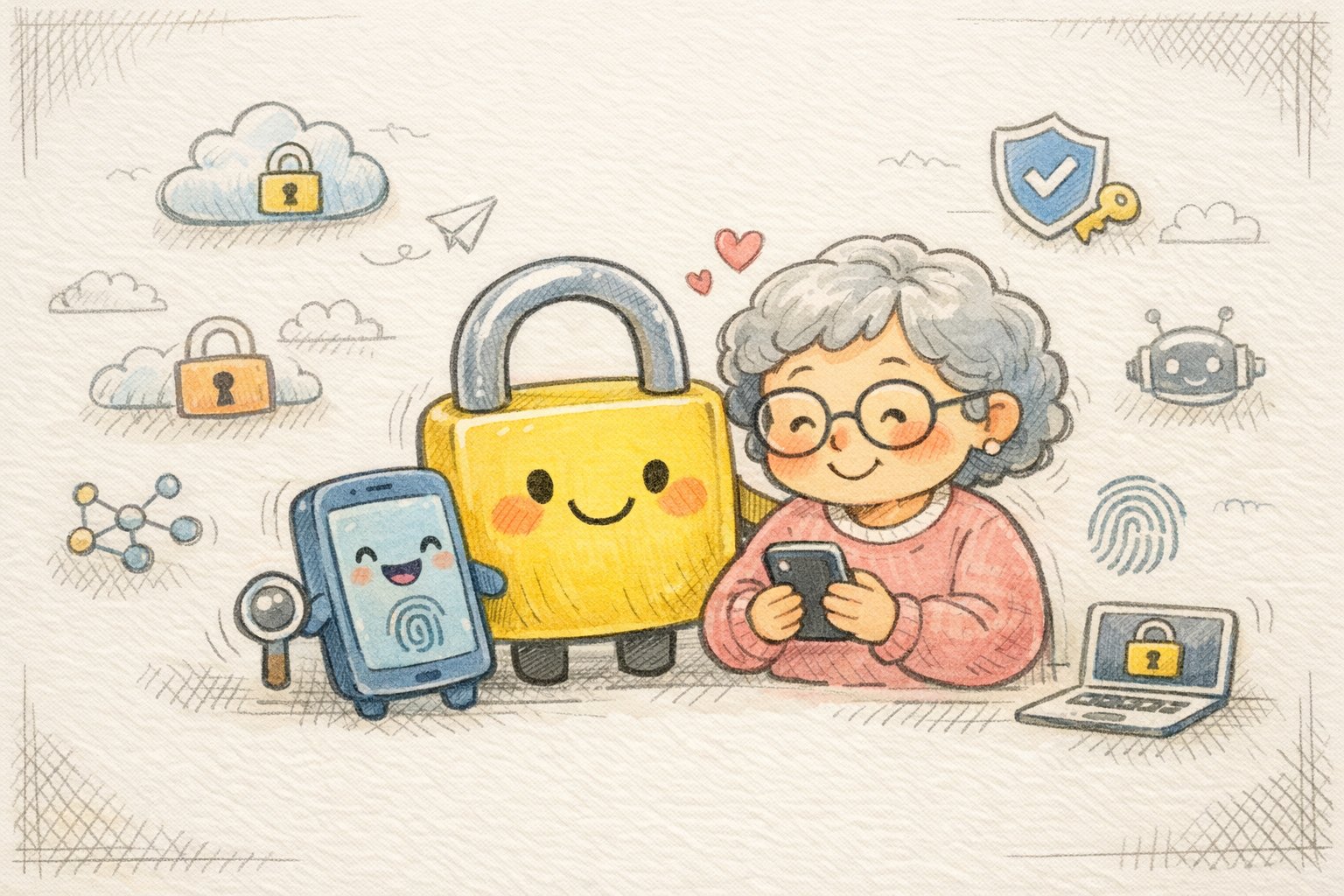
Why I built a password manager for my mom (and you)
It’s been more than 10 years since I last had an app in the App Store.
Back then, when the App Store was still new, I was right there at the forefront. I built some of the most popular Danish iOS apps, and in 2009–2010 I actually hit number 1 on the charts with two different apps. Since then, I’ve taken a long break from public releases — until now.
Because now I’m back in full force with my first app in many years: Password Remember.
When the trap snapped shut
The idea for Password Remember didn’t come out of nowhere. It came from a pretty unpleasant experience my mom went through.
She was targeted in a phishing attack through Facebook Messenger. An "old colleague" messaged her and got her to click a link. The problem was that the profile had been hacked — it wasn’t actually her colleague writing. My mom clicked, logged in... and boom. The trap snapped shut.
Because she (like so many others) used the same password in several places, the dominoes fell fast: Facebook, payment services, Netflix — everything was hacked at once. Her bank froze her accounts because multiple large withdrawals were attempted, and people started calling to ask why she was suddenly messaging them — but she wasn’t. She was now the victim, and the hacker was using her profile to scam even more people into the same trap.
"It’s too difficult, sweetheart"
For years, I’ve tried to get my mom to use a password manager. But every time, the answer was the same: "It’s far too complicated."
As a tech nerd, I don’t really think about that, but when I started asking around, I noticed a pattern. Everyone I knew who wasn’t using a password manager had the same reason: existing solutions are built for experts with browser extensions, master passwords, complex dashboards, passkeys, and endless settings.. (not to mention the pretty expensive subscriptions)
So I set out to build a password manager that was the exact opposite: it shouldn’t be "smart" or "technical" — it should just be easy. After more than a year of coding on weekends and holidays, I’m finally ready to reveal it.
Password Remember: A password manager for all of us
Simple. Secure. Private. Free for up to 3 logins.
Most password managers are built for experts. Password Remember is built for the rest of us. No complicated menus — just your passwords, PIN codes, notes, and photos, securely encrypted.
How it works (Three steps)
- 📱 Open the app: Nothing to configure. No account setup. Just open it and get started.
- 🔓 Unlock with Face ID: Or Touch ID/PIN code. You choose. Always fast, always secure.
- ✅ Find what you need: Search, copy, done. Your codes are always close at hand.
What can you store?
- 🔑 Passwords: All your logins — email, social media, banking, and streaming.
- 🔢 PIN codes: Debit cards, alarms, bike locks, and door codes all in one place.
- 📝 Secure notes: License keys, secrets, and lists — completely private.
- 📷 Secure photos: Receipts, ID cards, and insurance documents behind Face ID.
- 📶 Wi-Fi networks: Save your passwords and let guests scan a QR code directly from your phone.
- 🛡️ 2-factor codes: Built-in QR scanner for 2FA codes. No extra app needed.
Real security — Your data never leaves Apple’s ecosystem
Even though the interface is simple, the engine under the hood is state of the art:
- AES-256 encryption: Bank-level security.
- iCloud Backup: End-to-end encrypted backup to your own account.
- Secure Enclave: Your PIN code is stored securely and hashed with SHA-256 + salt.
- Privacy: Zero third-party tracking, zero analytics.
- Offline-first: Works without internet and syncs when you’re online again.
Find the plan that fits you
Security should be accessible to everyone. That’s why we offer transparent pricing without pressure:
| Plan | Price | Features |
|---|---|---|
| Free | USD 0 | Up to 3 logins, iCloud Sync, AES-256 |
| Pro Monthly | USD 0.99/mo | Unlimited everything + 2FA support |
| Pro Yearly | USD 6.99/year | Most popular: Everything in Pro + 100+ icons & Family Sharing |
| Pro Lifetime | USD 39.00 | One-time purchase. Everything — forever. |
It’s been quite a journey returning to the App Store after 10 years, and I hope Password Remember can help fewer people go through what my mom experienced.
👉 Download Password Remember on the App Store here or read more on my website.
What do you think? I’d love to hear your feedback if you give the app a try!